
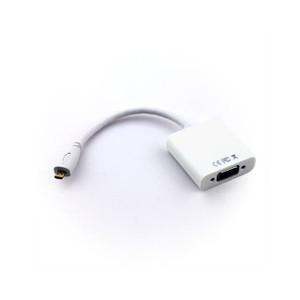
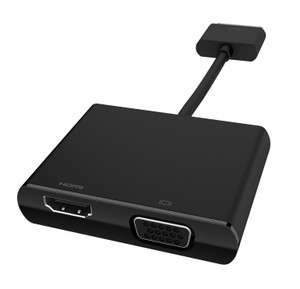
With the Accell UltraVideo adapter you can quickly connect your HDMI enabled device to a VGA supported monitor, projector or TV. Use the included HDMI cable to connect the adapter to your HDMI device. Next, connect the supplied USB cable to an available USB port for power or to the included USB AC adapter. Then connect your VGA cable to the adapter and a VGA display for a clear and sharp picture. There is no software to install making setup simple.
snippet location product_description